
Email Appearance controls what customers see when they receive a reply from you via email. To update your email appearance settings, navigate to Settings > Email Appearance and select the brand you want to update if you manage multiple brands.
Re:amaze offers three email template options: Enhanced HTML, Simple, and Custom.
Enhanced HTML email template
The Enhanced HTML template displays your staff avatar alongside your reply in a clean HTML layout. This is the recommended default email appearance.
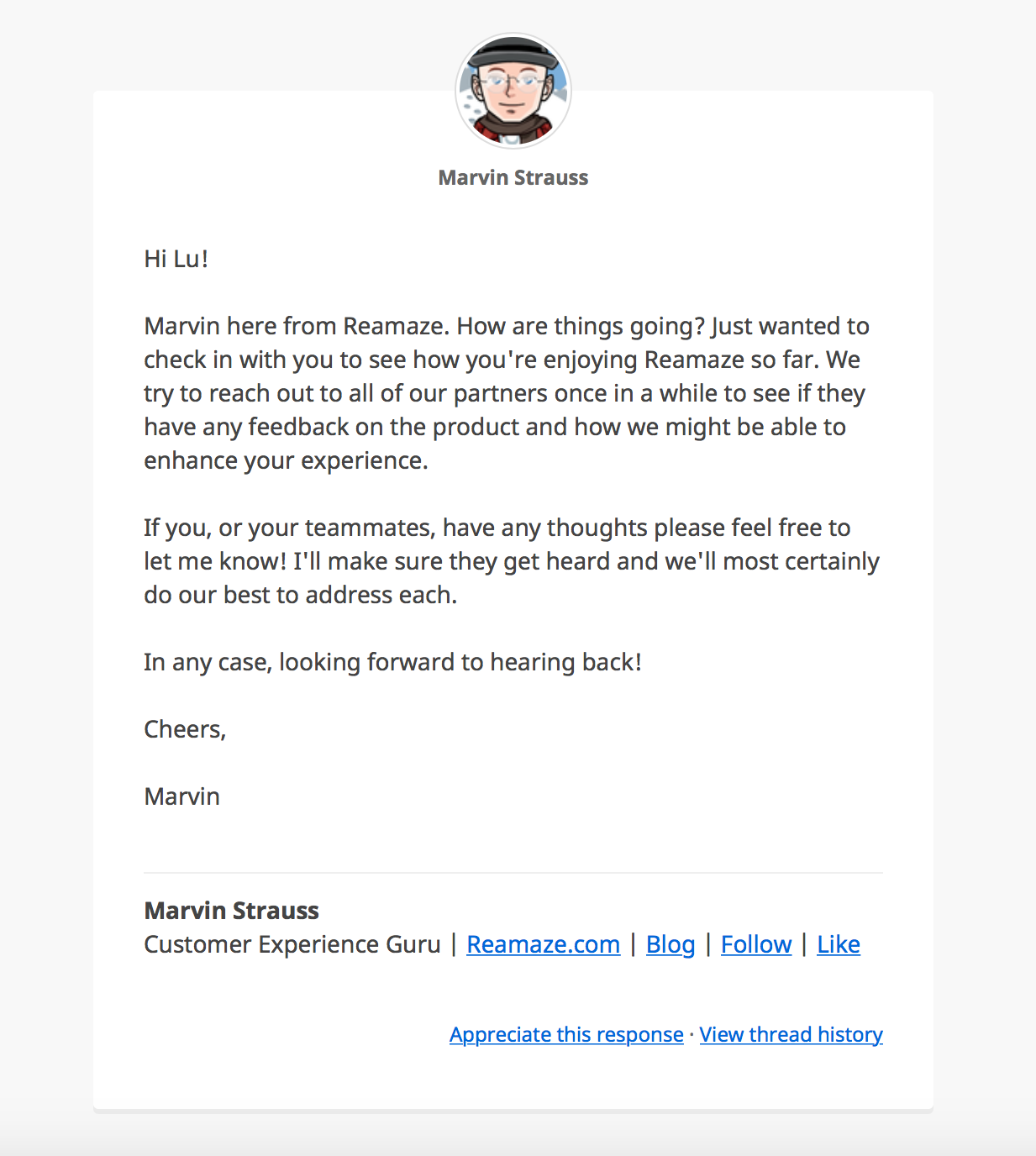
Simple email template
The Simple template sends replies as standard emails containing only your response and signature. This option is useful if you want your replies to feel like they are coming from a regular email client rather than a support platform.
Custom Email Template
The Custom template allows you to design your own email layout using Liquid Markup and HTML/CSS. This option is best suited for those who want full control over the appearance of their response emails.
These Liquid parameters are available for use in the custom template:
- {{ avatar_url }}: image representing the user
- {{ name }}: staff name
- {{ message }}: reply message
- {{ thread_url }}: Public URL to the conversation thread
- {{ appreciate_url}}: URL for your customers to appreciate your reply
- {{ reamaze_attribution}}: Show your customers you care about support with a Reamaze link.
- {{ appreciate_text }}: Brand-customized text for "Appreciate this response"
- {{ thread_text }}: Brand-customized text for "View thread history"
What went wrong? (Optional)