
Safari requires you to allow auto-play for websites before sound notifications will work. If Re:amaze is running in the background and you are not hearing sound notifications, follow the steps below to enable them.
Allow auto-play for Re:amaze
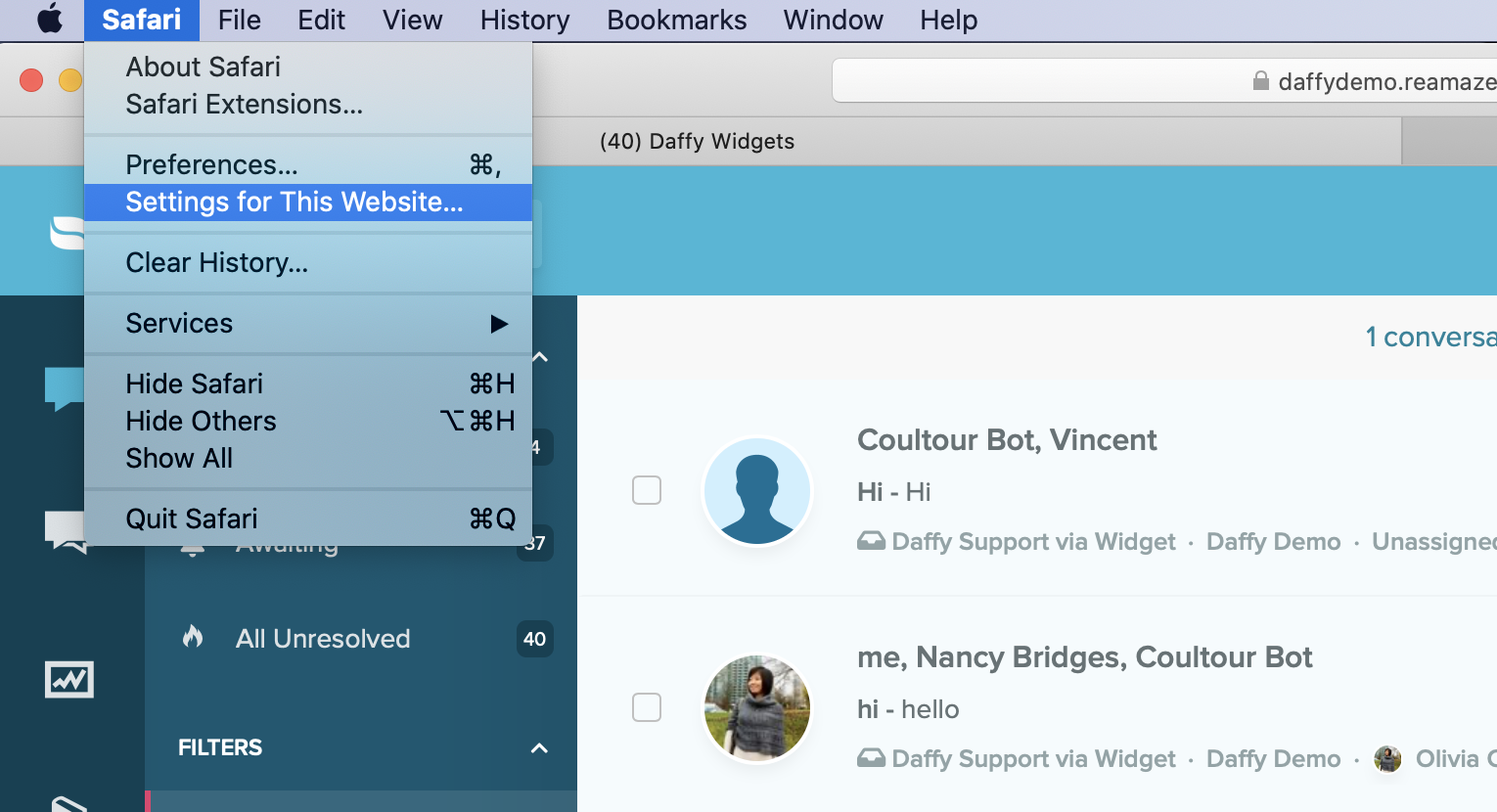
Navigate to your Re:amaze dashboard. From the Safari menu, select Settings for This Website. You can also right-select the address bar and choose Settings for This Website.
Locate the Auto-Play dropdown menu and select Allow All Auto-Play.

Re:amaze sound notifications will now play on Safari.
What went wrong? (Optional)